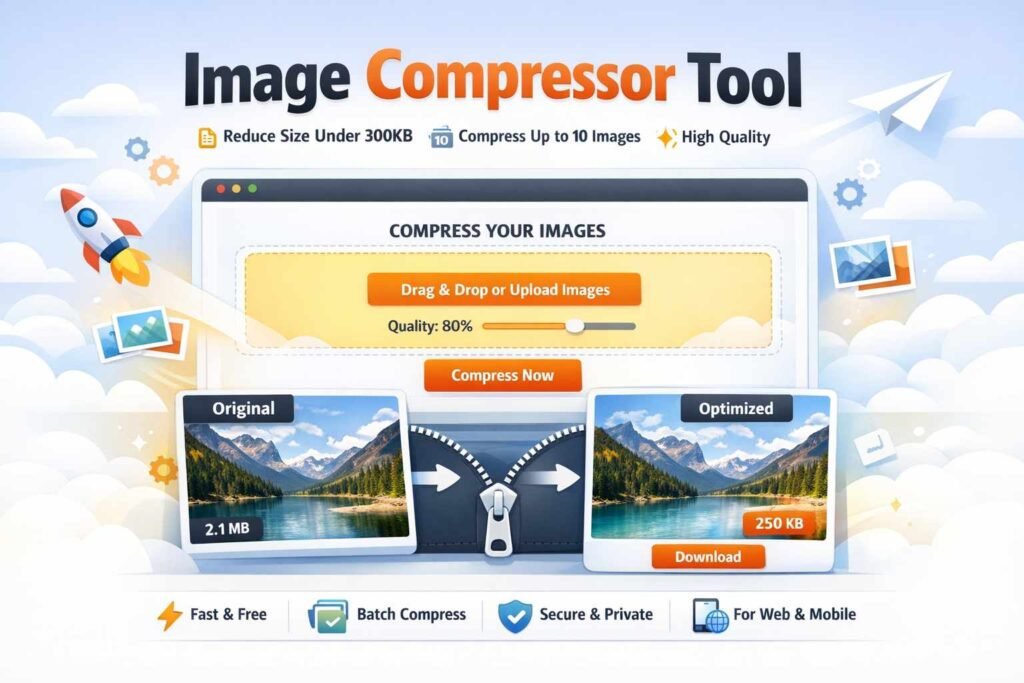


Compress images to 300 KB or less
Upload up to 10 images at once, keep them looking sharp, and download the optimized files directly in your browser. This tool uses a best-effort compression flow to stay under the target size while preserving visual quality as much as possible.
Drag & drop your images here
Supports JPG, PNG, and WebP. You can select up to 10 images in one batch.
Our Image Compressor Tool helps you reduce image size without losing quality. Whether you’re a blogger, digital marketer, student, or business owner, this tool ensures your images stay sharp while loading faster.
Compress up to 10 images at once, keep file size under 300KB, and maintain near-original quality — all in just a few clicks.
Why Use Our Image Compressor?
Faster Website Loading
High-Quality Compression
Bulk Image Compression (10 Images)
Save time by uploading and compressing up to 10 images at once — perfect for content creators and agencies.
Automatic Size Optimization
Each image is compressed to under 300KB