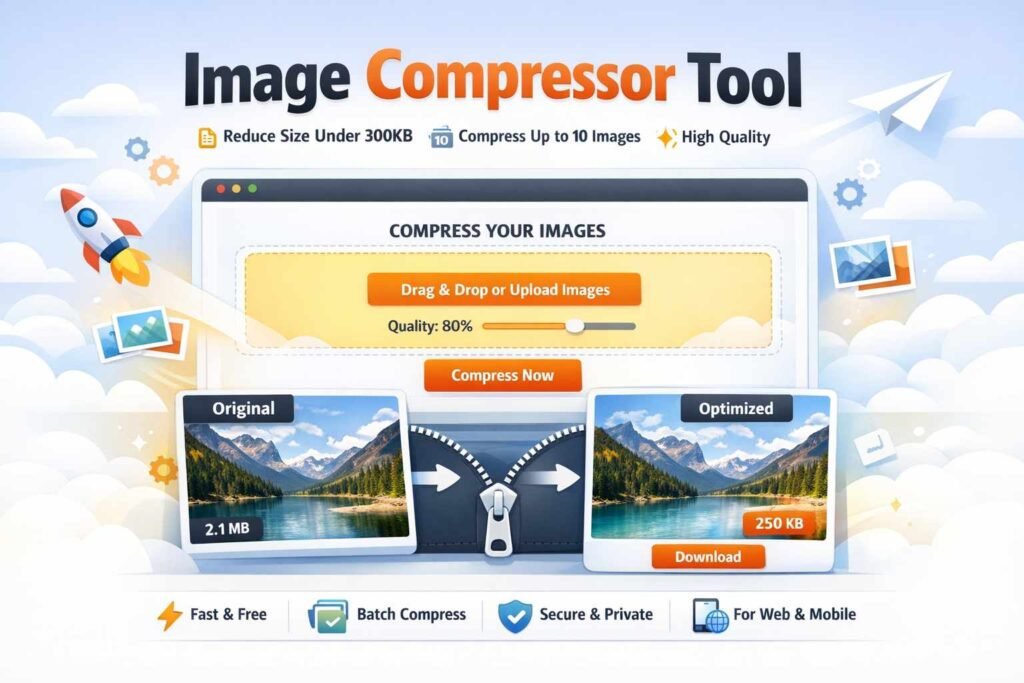
Image Compressor Tool
Clickcampus.in

Compress images to 300 KB or less

Upload up to 10 images at once, keep them looking sharp, and download the optimized files directly in your browser. This tool uses a best-effort compression flow to stay under the target size while preserving visual quality as much as possible.

10 Batch uploads in a single run.
300 KB Maximum target file size per exported image.

Drag & drop your images here

Supports JPG, PNG, and WebP. You can select up to 10 images in one batch.

Set the maximum output size. Default is 300 KB.
Auto keeps PNG when transparency exists, otherwise it uses an efficient format.
Large images can be resized gently to reduce file size without visible loss.
No images selected yet.
0 / 10 selected
Upload images to see compression results, previews, and download buttons here.

Our Image Compressor Tool helps you reduce image size without losing quality. Whether you’re a blogger, digital marketer, student, or business owner, this tool ensures your images stay sharp while loading faster.

Compress up to 10 images at once, keep file size under 300KB, and maintain near-original quality — all in just a few clicks.

Why Use Our Image Compressor?

Faster Website Loading
High-Quality Compression
Bulk Image Compression (10 Images)
Save time by uploading and compressing up to 10 images at once — perfect for content creators and agencies.

Automatic Size Optimization
Each image is compressed to under 300KB

Key Features

✔ Compress up to 10 images simultaneously
✔ Maintain high visual quality
✔ Automatic compression under 300KB
✔ Drag & drop upload support
✔ Fast processing (no waiting)
✔ Free to use — no login required
✔ Mobile-friendly & responsive design

Who Can Use This Tool?

Bloggers & Content Writers

Digital Marketers

Students & Teachers

Ecommerce Store Owners

Photographers

SEO Professionals

How to Use This Tool?

Step 1

Upload or drag & drop your images

Step 2

Adjust the quality slider if needed

Step 3

Click on compress selected button

Step 4

Download your optimized images instantly

Benefits of Compressing Images

  • Improve website speed (Core Web Vitals)
  • Boost SEO rankings on Google
  • Save storage space
  • Faster uploads on social media
  • Better user experience

Frequently Asked Questions (FAQs)

Will image quality be reduced?

No, our tool ensures minimal to no visible quality loss while reducing file size.

Yes, it is 100% free with no hidden charges.

You can compress up to 10 images simultaneously.


Each image is optimized to stay under 300KB.

Yes, all processing happens in your browser. Your images are not stored or uploaded to any server.